
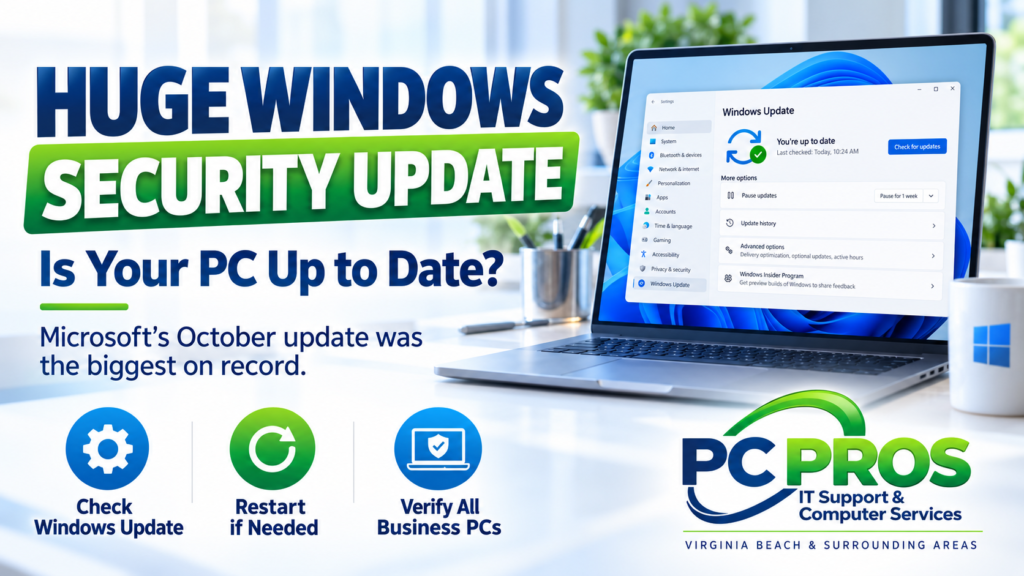
Microsoft’s October 2026 security update was the largest Patch Tuesday on record.
Security researchers counted roughly 1,400 vulnerabilities addressed across Microsoft products. Different firms report slightly different totals depending on how they count the fixes, but they all agree on the bigger picture: this was an exceptionally large update. BleepingComputer
That sounds dramatic, but there is an important point for home users and small businesses:
It does not mean your individual PC had 1,400 security problems waiting to be exploited.
Many of the fixes apply to specific Microsoft products, server components, development tools, business systems, or features you may never use.
What does matter is that Microsoft fixed a very large number of security issues in one monthly release, including at least one Windows vulnerability that researchers say was already being exploited before the update became available. Tenable®
For most people, the takeaway is much simpler than the headline:
Make sure Windows is actually installing its security updates.
What Is Patch Tuesday?
Microsoft normally releases its main security updates on the second Tuesday of each month.
The industry commonly calls that day Patch Tuesday.
These updates can include fixes for:
- Windows
- Microsoft Office
- Microsoft 365 components
- .NET
- Microsoft Server products
- Security tools
- Other Microsoft software and services
Most home users do not need to track individual security vulnerabilities or understand every technical detail.
Windows Update is designed to handle much of this automatically.
The problem is that automatic updates do not always mean every computer is fully current.
A PC may be waiting for a restart, an update may have failed, or a computer may be running a Windows version that is no longer receiving normal security updates.
Why Was October’s Update So Large?
Security companies counted approximately 1,400 Microsoft vulnerabilities addressed in the October release.
Tenable counted 1,407. BleepingComputer counted 1,411. Rapid7 counted 1,413.
Those differences are mostly about methodology — which Microsoft advisories and products each organization includes in its count.
The important part is that all three describe October as a record-breaking Patch Tuesday. BleepingComputer
For comparison, September had already set a record with 964 vulnerabilities according to Tenable. October immediately surpassed it. Tenable Connect
That does not necessarily mean Windows suddenly became dramatically less secure.
Security updates often bundle fixes affecting many different products and components, and Microsoft’s software ecosystem is enormous.
Still, the scale of the October release is a good reminder that keeping systems patched remains an important part of basic computer security.
One of the Problems Was Already Being Exploited
Among the October fixes was a Windows Shell security feature bypass that security researchers say was already being exploited in real-world attacks before Microsoft released the patch.
That matters more than the total number of vulnerabilities.
A security flaw that is being actively exploited deserves more attention than a long list of theoretical issues that attackers may never use.
The October Windows security update addresses that vulnerability along with many others. Tenable®
Again, home users do not need to memorize vulnerability numbers or technical descriptions.
The useful action is straightforward:
Install the current Windows security updates.
How Do You Check Whether Your Windows PC Is Updated?
On Windows 11:
- Open Settings
- Select Windows Update
- Click Check for updates
Allow Windows to install available security updates.
If Windows asks you to restart the computer, do not leave the restart pending indefinitely.
After restarting, you can return to Windows Update and check again to make sure there are no additional updates waiting.
Microsoft’s October 13 cumulative update for current Windows 11 versions includes the latest security fixes along with a number of reliability and compatibility improvements. Microsoft Support
Don’t Assume “Automatic Updates” Means Everything Is Fine
Most Windows PCs are configured to update automatically.
That is good, but occasionally something interrupts the process.
Common problems include:
- A computer that has not been restarted in a long time
- Failed Windows updates
- Insufficient storage space
- A damaged Windows Update component
- A computer that is rarely turned on
- An unsupported Windows version
- Business update policies delaying installation
- Firmware or driver problems interfering with an update
That is why it is worth occasionally opening Windows Update and confirming that the computer says it is current.
If you see repeated update failures, that is something worth investigating rather than simply ignoring.
Small Businesses Should Verify More Than One PC
For a home user with one computer, checking Windows Update is fairly simple.
For a small business with several PCs, the challenge is making sure all of them are updated.
One employee’s computer may install updates normally while another has quietly been failing updates for weeks.
Businesses should periodically verify that:
- Windows updates are installing successfully
- Required restarts are completed
- Computers are running supported Windows versions
- Critical applications still work after updates
- Security software is current
- Important business data is backed up
Businesses with specialized applications or equipment may also choose to test major updates on one or two systems before installing them everywhere.
The goal is not to delay security updates indefinitely.
It is to install them in a controlled way that protects both security and business continuity.
Supported Windows Versions Matter
There is another important point this month.
Windows 11 version 24H2 Home and Pro reached the end of regular updates on October 13, 2026.
Microsoft says the October security update is the last monthly security update for those editions. PCs still running 24H2 Home or Pro should move to a supported Windows 11 version to continue receiving monthly security protections. Microsoft Support
We recently covered that transition in more detail in our article:
Windows 11 26H2 Is Here: Should You Upgrade?
If your PC is still running 24H2, the issue is no longer simply whether this month’s update installed.
It is whether the computer is moving forward to a Windows version that will continue receiving updates.
Should You Be Worried About Such a Large Patch Tuesday?
For most people, no.
There is no reason to panic because the vulnerability count was unusually high.
The number is useful because it demonstrates how much security maintenance happens behind the scenes, but it does not tell you how vulnerable your particular computer is.
What matters far more is whether:
- Your Windows version is supported
- Security updates are installing successfully
- Your computer is being restarted when required
- Your antivirus and browser are current
- Your important files are backed up
Those are practical steps that make a real difference.
A Simple Check Is Worth a Few Minutes
You do not need to become a cybersecurity expert to keep a Windows computer reasonably protected.
For most home users, taking a few minutes to check Settings → Windows Update is enough to confirm whether the latest security updates have installed.
For small businesses, it is worth making sure every system is accounted for instead of assuming all PCs are updating correctly.
October’s record-breaking Patch Tuesday is a useful reminder:
Security updates only help if they actually make it onto the computer.
Need Help With Windows Updates?
If Windows Update keeps failing, your computer is running an older Windows version, or you are unsure whether your business PCs are properly updated, PC Pros can help.
PC Pros provides Windows troubleshooting, computer support, networking, backup, security assistance, and IT services for home users and small businesses throughout Virginia Beach and the surrounding Hampton Roads area.
We can help determine whether your systems are current, resolve update problems, and make sure you are not making unnecessary changes to computers that are already working properly.
Sources
BleepingComputer — Microsoft October 2026 Patch Tuesday Fixes 1,411 Flaws
Microsoft — October 13, 2026 Windows 11 Security Update (KB5127648)
Tenable — Microsoft’s October 2026 Patch Tuesday Addresses 1,407 CVEs