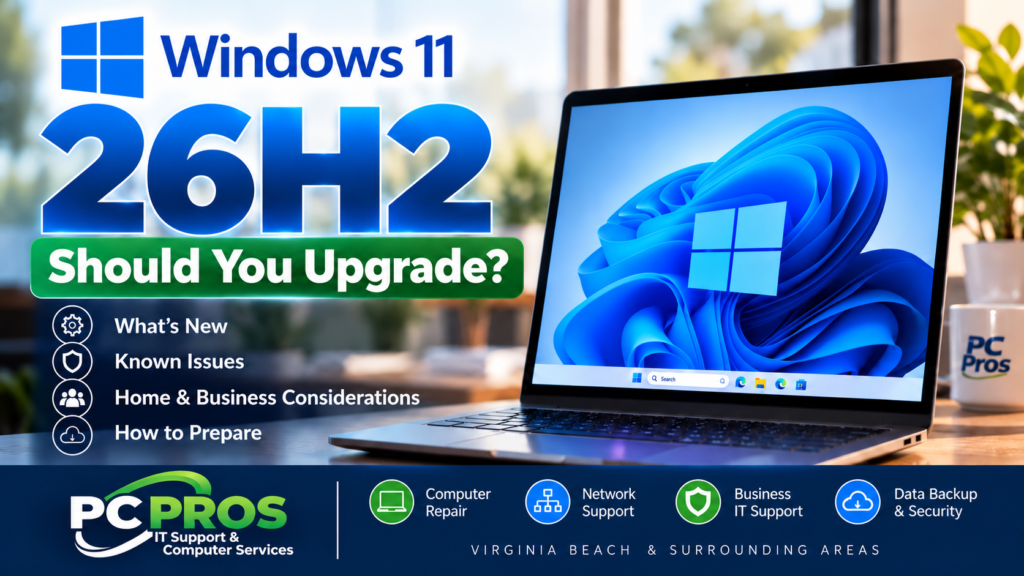
Microsoft has officially released Windows 11 version 26H2, also known as the Windows 11 2026 Update.
If you’re already using Windows 11, you may soon see the new version offered through Windows Update—or you may be wondering whether you should install it as soon as it becomes available.
The good news is that, for many computers already running Windows 11 version 24H2 or 25H2, 26H2 isn’t the massive operating-system upgrade that previous Windows feature updates sometimes were. Microsoft is delivering it through a smaller “enablement package” designed to make the transition faster and less disruptive.
But does that mean you should install it immediately?
For most home users, there’s no need to force the upgrade before Windows offers it to your PC. And for businesses, a little planning before deploying a new Windows version across multiple computers is still a very good idea.
What Is Windows 11 Version 26H2?
Windows 11 26H2 is Microsoft’s latest annual feature update for Windows 11. It became generally available on September 29, 2026.
Microsoft has changed the way many Windows features are delivered. Instead of saving everything for one enormous annual upgrade, new capabilities and improvements increasingly arrive throughout the year through regular Windows updates.
Versions 24H2, 25H2 and 26H2 share the same servicing foundation. As a result, some features associated with 26H2 may already look familiar if you’ve kept your computer up to date.
The 26H2 enablement package essentially activates and consolidates those improvements while moving the computer onto Microsoft’s newest annual Windows release.
For eligible 24H2 and 25H2 systems, Microsoft says the update uses a relatively small download, installs similarly to a regular quality update and generally requires a single restart.
That’s a welcome change from some major Windows upgrades of the past.
What’s New in Windows 11 26H2?
Don’t expect your computer to suddenly look like an entirely different operating system after installing 26H2.
Many of its improvements have been introduced gradually through previous Windows updates.
Among the changes associated with the current generation of Windows 11 are improvements to:
File Explorer and Windows Search
Microsoft has continued improving File Explorer performance and usability, including faster access to frequently used files, additional archive-format support and improved search capabilities.
Windows Search has also become better at handling partial names and typos, previewing search results and identifying whether a result is an application, setting, file or web result.
Backup and Recovery
Microsoft continues expanding Windows’ built-in recovery capabilities.
Windows 11 now includes additional recovery technologies designed to help restore a computer after certain system failures. Windows settings backup has also been expanded, including additional capabilities for business environments.
These tools shouldn’t replace a proper backup strategy, but they can provide another useful layer of protection when something goes wrong.
Security Improvements
Windows 11 continues adding security technologies designed to better protect credentials, administrative access and the operating system itself.
Some of these features are primarily intended for managed business environments, while others improve the underlying security of Windows for everyone.
Start Menu, Taskbar and Everyday Usability
Microsoft has continued refining the Start menu, taskbar and other parts of the Windows interface.
Depending on your hardware and configuration, you’ll also see improvements involving Bluetooth reliability, audio, camera capabilities, accessibility and other everyday Windows functions.
Not every feature will be available on every computer, and some AI-related features require newer hardware, Microsoft 365 subscriptions or Copilot capabilities.
Should You Install Windows 11 26H2 Right Away?
For most home users, our recommendation is simple:
Let Windows Update offer 26H2 to your computer rather than trying to force the upgrade.
Microsoft is rolling out 26H2 gradually. If Microsoft identifies a compatibility problem involving particular hardware or software, it can temporarily prevent the update from being offered to affected computers.
These “safeguard holds” are there for a reason.
If Windows Update hasn’t offered 26H2 to your computer yet, that doesn’t necessarily mean anything is wrong.
What About Businesses?
Businesses should be a little more cautious—particularly those with multiple computers or specialized software.
Before deploying a new Windows version throughout an organization, it’s smart to verify compatibility with:
- Business-critical applications
- Printers and scanners
- Specialized USB devices
- Accounting and industry-specific software
- VPN and remote-access software
- Security products
- Network and domain environments
For larger deployments, testing the update on a small number of representative computers before rolling it out everywhere can prevent one compatibility problem from becoming an office-wide problem.
Are There Any Known Problems With 26H2?
Yes, and this is another reason not to force an upgrade simply because a new version exists.
Microsoft’s Windows Release Health documentation currently lists several known issues affecting Windows 11 26H2 or updates associated with the current Windows servicing branch.
For example, Microsoft has documented an issue that can cause certain applications relying on AC-3 (Dolby Digital) audio decoding to close unexpectedly.
Microsoft has also documented issues involving certain domain-joined computers and some virtual desktop environments. Those are much more likely to affect specialized business environments than a typical home PC.
This doesn’t mean 26H2 is a “bad update.” Known issues occur with virtually every major operating-system release.
It does mean that allowing Microsoft to roll out the update normally—and checking compatibility before a large business deployment—is sensible.
Windows 11 24H2 Users Should Pay Particular Attention
There’s another reason this update is important right now.
Windows 11 version 24H2 Home and Pro editions reach the end of Microsoft’s regular update support in October 2026.
If your computer is still running Windows 11 24H2, now is a good time to determine your upgrade path rather than simply ignoring Windows Update notifications.
Businesses should also be aware that Windows lifecycle dates vary by edition. Enterprise and Education editions have different support periods than Home and Pro.
How Do You Check Which Version of Windows 11 You Have?
It’s easy.
Press Windows Key + R, type:
winver
and press Enter.
A window will appear showing your current Windows version and operating-system build.
You can also open:
Settings → System → About
to see additional information about your computer.
How Do You Get Windows 11 26H2?
Microsoft is gradually offering 26H2 to eligible computers.
You can check by opening:
Settings → Windows Update
If Windows 11 version 26H2 is available for your computer, Windows will provide the option to download and install it.
Microsoft also allows users who want updates sooner to enable Get the latest updates as soon as they’re available, but there’s generally no reason to force an update onto a computer when Windows Update isn’t offering it normally.
Before You Upgrade
Even though 26H2 should be a relatively straightforward update on eligible Windows 11 computers, basic precautions are worthwhile.
Make sure your important files are backed up.
Install outstanding Windows updates.
Check that important applications and peripherals are working correctly.
And if the computer is critical to your business, consider waiting until you’ve confirmed compatibility before installing the update across every system.
A Windows upgrade should never be the first time you discover that your backup wasn’t actually working.
Need Help With Windows 11?
If you’re unsure which version of Windows your computer is running, whether your PC is ready for Windows 11 26H2, or whether your business should deploy the update across multiple systems, PC Pros can help.
We provide Windows support, computer repair, upgrades, networking and IT support for businesses and home users throughout Virginia Beach and the surrounding Hampton Roads area.
Whether you’re managing one home computer or an office full of PCs, we can help you determine the right upgrade strategy and address problems before they turn into unnecessary downtime.
Contact PC Pros Computer and Network Support Services if you’d like help evaluating or upgrading your Windows computers.
Sources
Microsoft Learn — Windows 11 Home and Pro lifecycle
Microsoft — How to get the Windows 11 2026 Update
Microsoft Learn — Windows 11, version 26H2 known issues and notifications
Microsoft Learn — What’s new in Windows 11, version 26H2
Microsoft — An IT pro’s guide to Windows 11, version 26H2
One Response